Voicemax
Voicemax 1.0.12
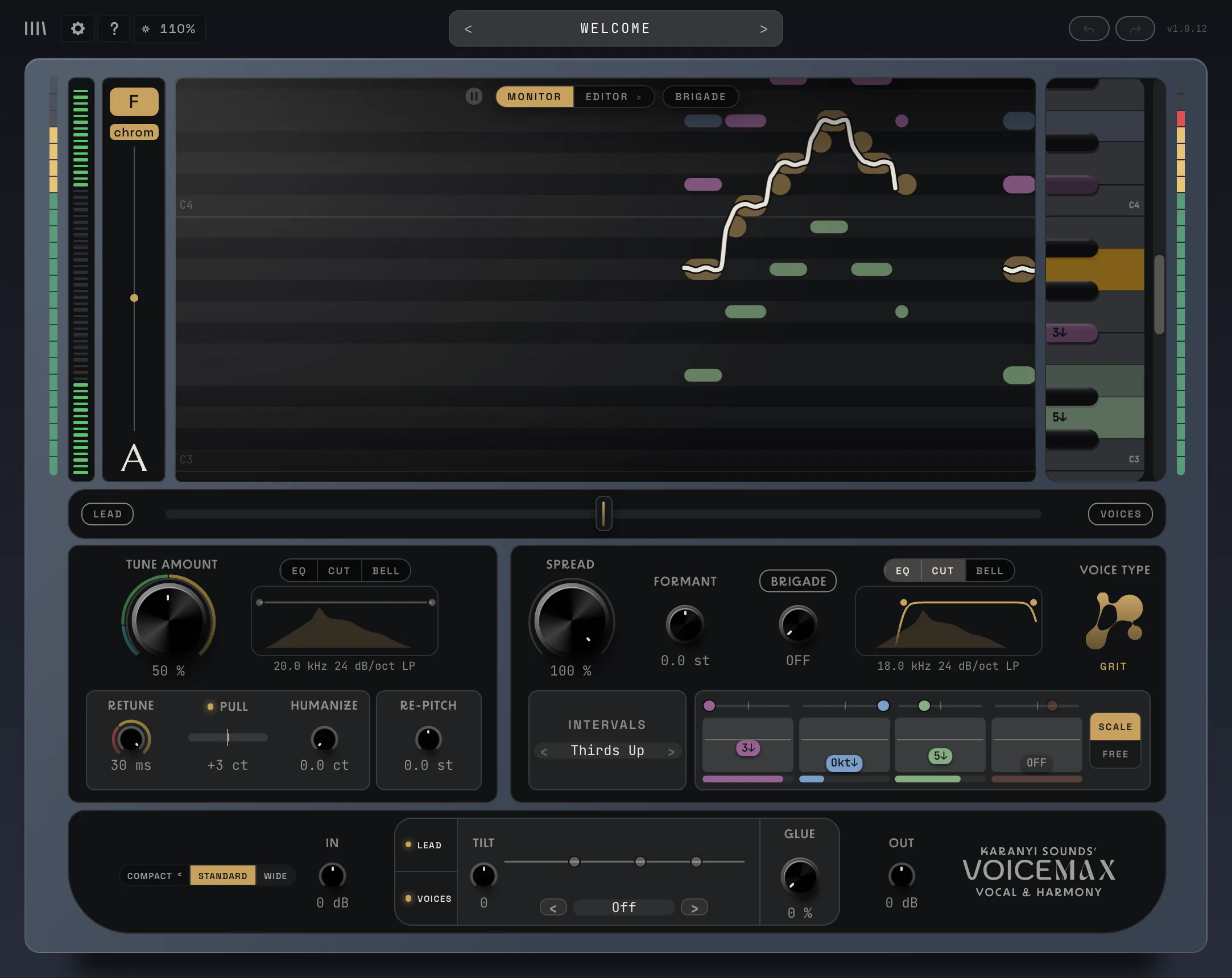
Voicemax is a vocal plugin that does three jobs at once. It tunes your lead vocal in real time, it sings up to four harmony voices around it, and it lets you fix and rewrite notes in a built-in editor. You put it on your vocal track, set the key of your song, and you hear a tuned lead with harmonies straight away.
What it is for
Section titled “What it is for”- Pop and modern vocals: from a transparent, natural correction to the hard, robotic tune.
- Instant harmonies and backing vocals: thirds, fifths, octaves or a full stack, always in key, without singing a second take.
- Big choirs and group vocals: the Brigade turns your harmonies into a group of singers standing on a stage.
- Sound design: octave-down monsters, chipmunk voices, formant tricks and re-pitched spoken word.
- Writing and arranging: draw chords in the Harmony Editor and the harmonies follow them. Export the lead or the harmonies as MIDI.
The window at a glance
Section titled “The window at a glance”| Area | What you do there | Page |
|---|---|---|
| Header (top) | Settings, guided tours, zoom, presets, undo and redo | Settings, Preset browser |
| Display (middle) | See your voice and the harmonies, switch to the editors and the Brigade | The display |
| Lead vs. Voices fader | Set how loud the harmonies are against the lead | Harmonies |
| Lead Tuning card (left) | Tune the lead vocal | Lead tuning |
| Voices card (right) | Shape the harmony voices | Harmonies |
| Master row (bottom) | Levels, master EQ, Tilt and Glue | Master |
Three views: Compact, Standard and Wide
Section titled “Three views: Compact, Standard and Wide”The view switch sits at the left of the master row. Pick the size that fits your screen and your task.
Compact
Section titled “Compact”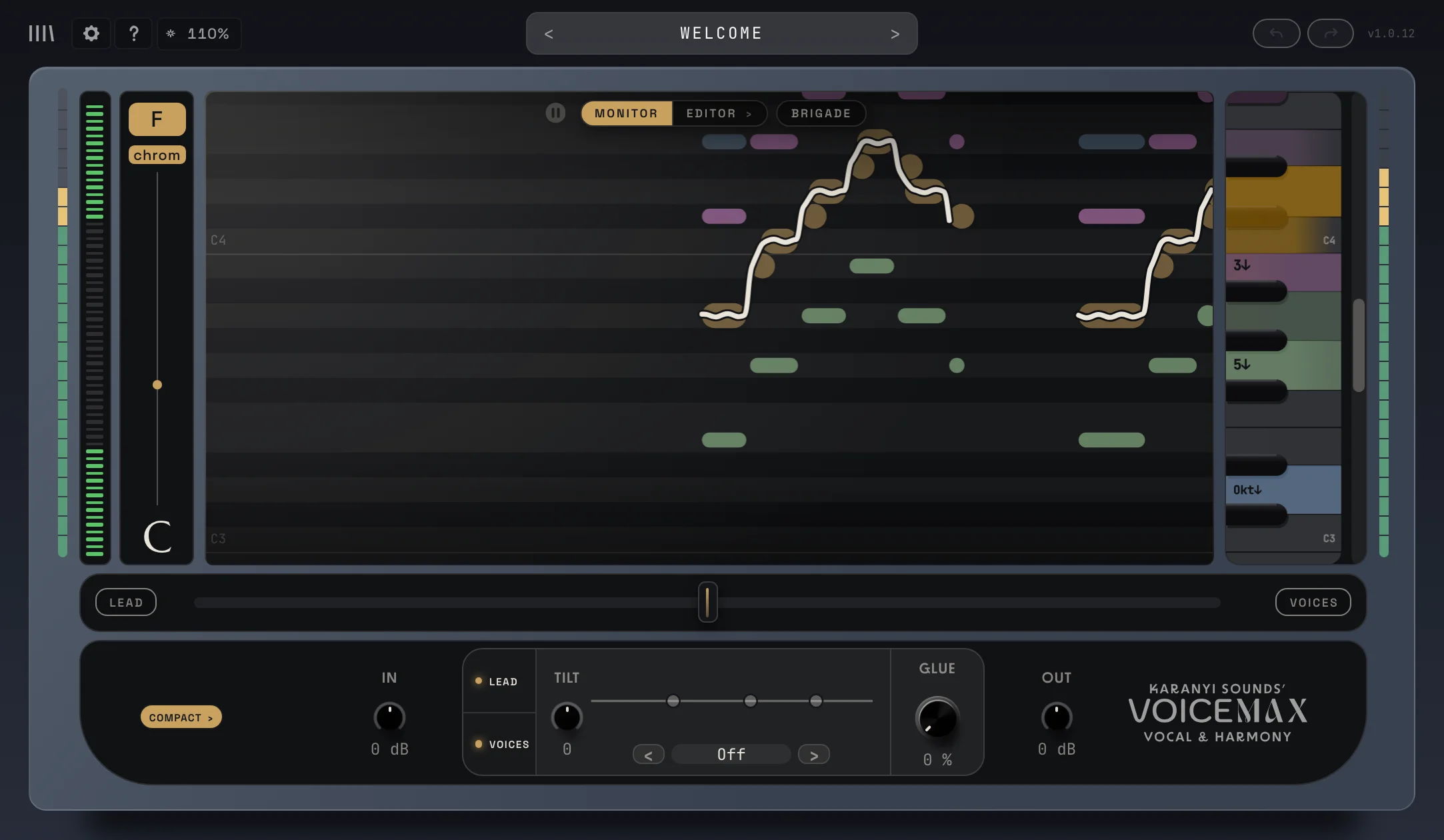
Only the display and the master row. The smallest window, for when you just want the tuning and harmonies running and your DAW needs the space. Click COMPACT › to bring the cards back.
Standard
Section titled “Standard”
The display, both cards (Lead Tuning and Voices) and the master row. This is the view for setting up a sound.
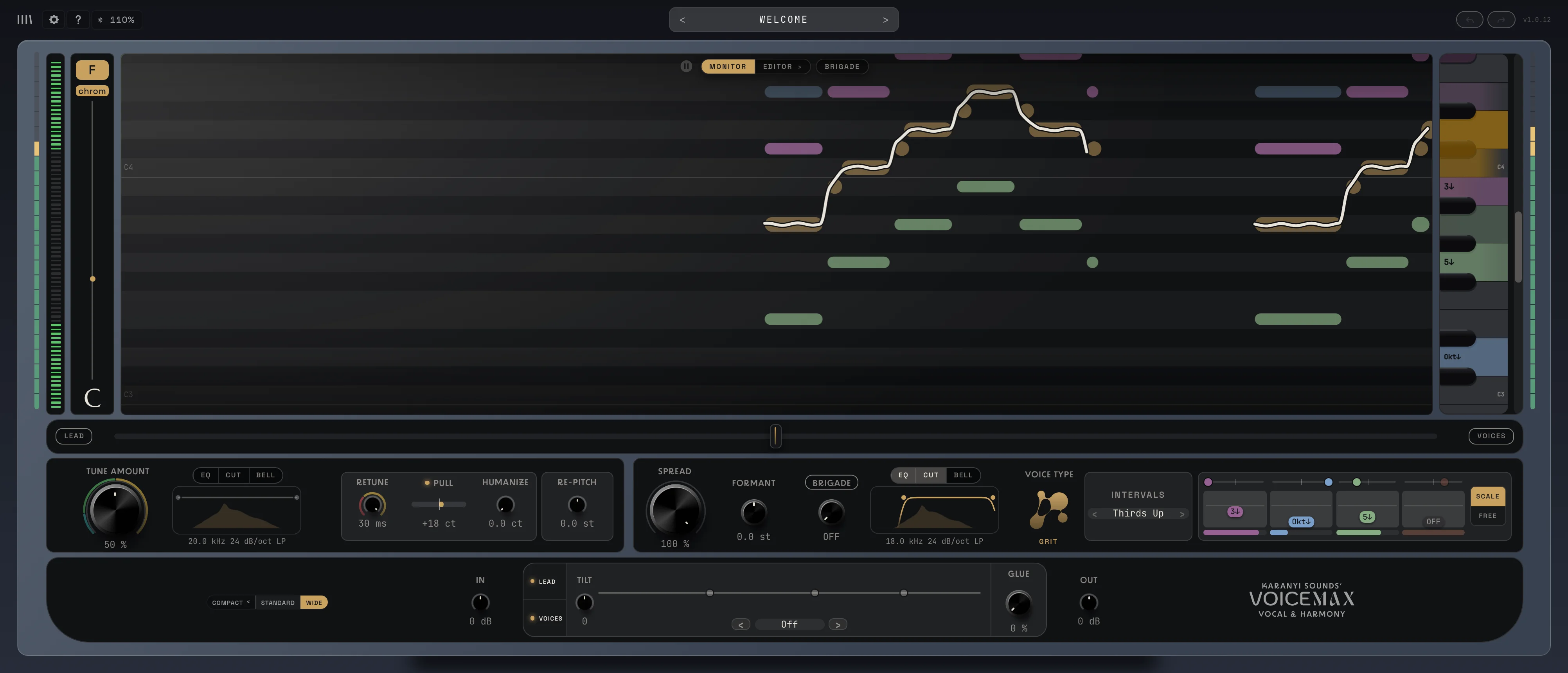
Everything from Standard, but much wider. The display gets far more room, so the editors show more of your song and notes are easier to select and drag. Best on a big screen while you edit.
The plugin remembers your view with the project.
Quick start
Section titled “Quick start”- Put Voicemax on your vocal track as an insert.
- Set the Key and Scale of your song with the two chips on the left of the display. Not sure? Sing for a few seconds and look at the KEY FIT meter (see Lead tuning).
- Set Tune Amount. Around 50 % sounds natural. 90 % and up gives a firm, modern tune.
- Want the hard, robotic effect? Turn Retune below 10 ms.
- Drag the Lead vs. Voices fader to the right to bring in the harmonies. Step through Intervals with › to try different harmony sets.
- Turn up Glue to hold the lead and the harmonies together.
Not sure where to start? Load a factory preset, or click ? in the header for the built-in guided tour.
Next: Lead tuning
docs v0.0.5